APKPure
APKPure quick access to update your apps and games without registration

Safe & Secure


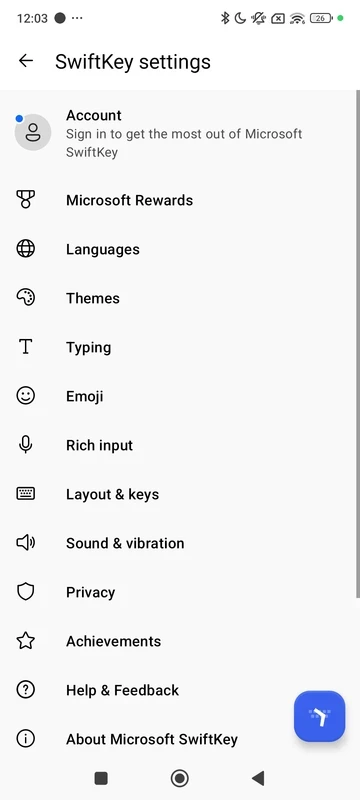
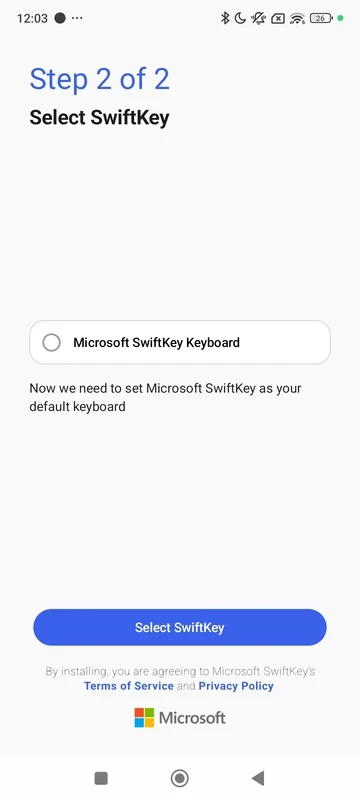
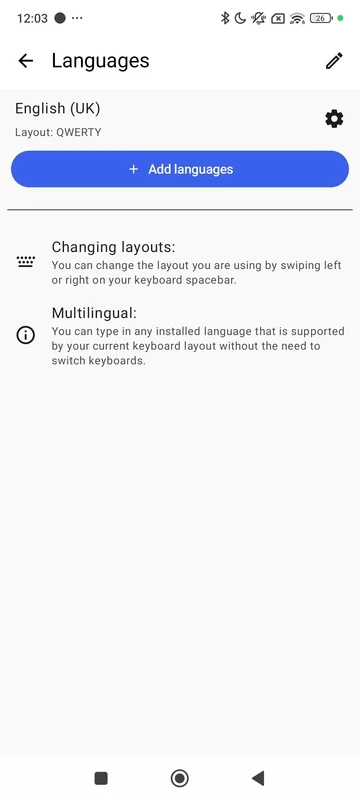
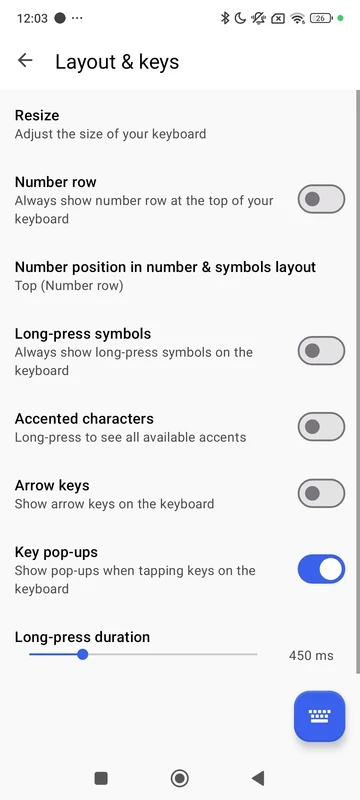
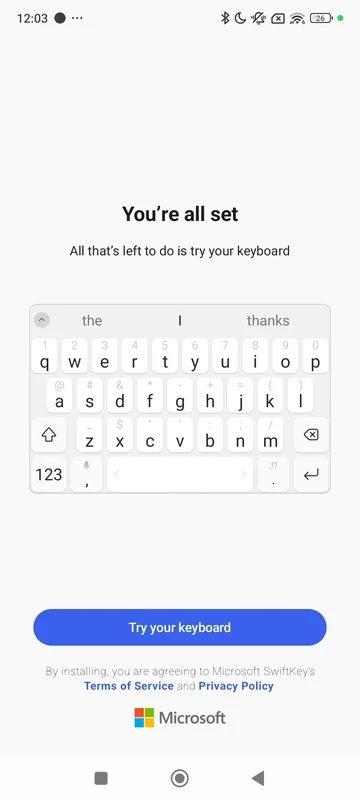
SwiftKey Keyboard is a virtual keyboard for your smartphone that offers optimized speed, accuracy, and comfort. The AI-empowered tool offers a personalized database for typing and storing the information. Enjoy the hands-free text entry with voice typing functionality.
You will find a predictive text facility for fast typing and also automatic corrections to type 100% accurate text. It is available for free, specifically designed for students and other professionals as well. You can easily replace it with your default keyboard and also have multiple customization options for your ease in changing it according to your preferences.
SwiftKey Keyboard, a free keyboard developed by TouchType, is an intelligent virtual keyboard that was released in July 2010 for Android devices and for iOS in September 2014. It was acquired by Microsoft in 2016 and was rebranded as Microsoft SwiftKey in 2020.
The swipe-style keyboard offers the most suitable adaptation and learning experience with support for multiple languages. Its compatibility with Microsoft Copilot allows you to use AI capabilities to get summarized and accurate texts. It enhances the text composition within auto corrections while minimizing typos.
It is one of the best capabilities of the SwiftKey that very quickly picks up your typing material, and offers reliable word or phrase matches to your typed words. It offers perfect predictions, and enhanced accuracy enables users to use the suggestions in the same order, instead of typing manually to complete the text. The keyboard remembers your typed words, and if you don’t want its prediction again, you can simply stop it within long press to select the “Don’t Predict” option.
Swipe & Type options offers flexible text input process with 100% accuracy, as it offers a spell checker and an auto-text feature for utilizing the AI capabilities to offer the most suitable suggestions. In this way, you are capable of typing flawlessly without making a lot of mistakes. The addition of shortcuts within the toolbar enables users to quickly access frequently used functions.
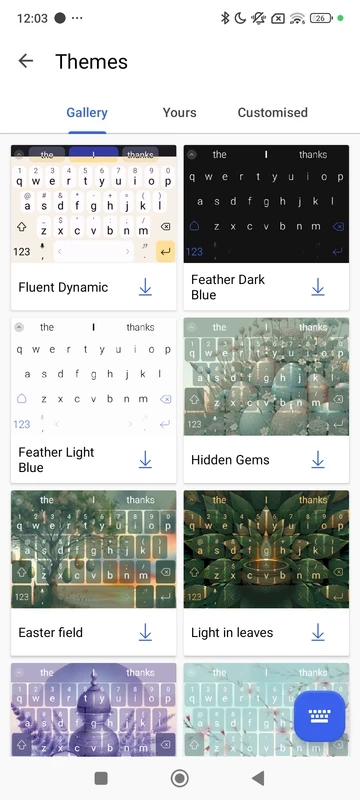
The customization facility offers an extensive number of options, such as more than 100 colorful keyboard themes, so you can select and use them according to your preferences. If you want more individualized style, create your own custom keyboard theme; even use your own photos for the background. Moreover, you can change the size and layout for a comfortable typing style.
The app offers a lot of exciting material along with text content, so it is easy to select emojis, stickers, or GIFs in your text and give it a cool and versatile look. Similar to predictive words and phrases, the app also offers prediction for emojis during conversation, and enables users to quickly select and respond in an impressive style. In addition, you can search for specific emojis and GIFs to make your visual conversation perfect and express your feelings more reliably. It also offers an AI-powered image creation feature for your ease in creating whatever you like.
It is capable of syncing your history and settings and use it anytime you need. In case of changing your mobile or resetting it, all of your history can be gone, but through synchronization, you will reliably get all of your saved words and phrases back to your new device. However, you have to use a Google or Microsoft account for the purpose, and log in to find everything you require.
Privacy is a big deal, and similar to other end-to-end encrypted apps, SwiftKey also makes your privacy foolproof, as it doesn’t store your crucial information. So, you can reliably type your personal messages while inserting sensitive data. The commitment to privacy offered by the app makes it one of the best choices in the current digital era.
It is another key feature to enable users to easily use the app while avoiding language barriers. No need to change mid-typing, and get seamless word detection for up to supported languages. You can enable five languages simultaneously. It helps users with multilingual capability who can easily continue the communication while switching between languages.
The developers remain busy enhancing the functionality of the app while offering new features within the regular updates. The official updates offered by Microsoft make the app one of the most competitive utilities while evolving to the user’s requirements.
It is one of the key features that enhances the app’s position compared to other keyboard apps, as it makes it possible to use the keyboard in a way that users feel comfortable. So, you can select swipe to type option for creating text, or simply tap. It enables users to use it according to their style.
Pros
Cons

APKPure quick access to update your apps and games without registration

vnROM BYPASS FRP GOOGLE ACCOUNT from your Android device

Aptoide APK provides limitless apps to install and share

Download Google Play Store APK for Android and enjoy your favorite Android apps or games on your mobile devices

FRP Bypass is a free tool used for bypassing the Google lock, screen lock, and factory reset.

InstaUp automates your Instagram followers free of charge